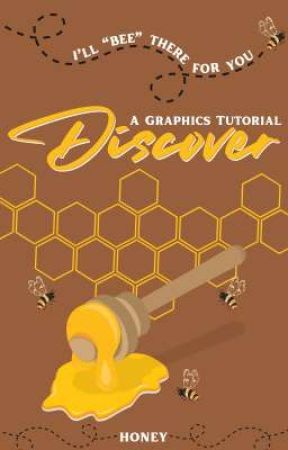
Want to design your covers?
Want to learn the art of graphics?
Want to start from the basics of cover making?
Honey is here for that.
"Discover" is a graphics tutorial book, which will consist of a lot more than you are thinking.
Check it out!
Step 2 : Tap on the text and then on the "duplicate sign" to create a copy of the text.
Oops! This image does not follow our content guidelines. To continue publishing, please remove it or upload a different image.
Step 3 : Place the copied text over the original one and then tap on the "nudge" option. Some arrows will appear. You can use these arrows to shift the text in any direction. By using these arrows, shift the copied text slightly in either left or right side to make it look bold.
Oops! This image does not follow our content guidelines. To continue publishing, please remove it or upload a different image.
Step 4 : Now tap on the picture, and make a copy of the picture. Place the place in the exact place of the original one. Crop the picture by using the '–' sign on the edge of the picture. Crop it in such a way that it makes a gap between the text.
Oops! This image does not follow our content guidelines. To continue publishing, please remove it or upload a different image.
Step 5 : Tap on the "text" option. Add another cursive text for the gap we made. I used the font— "Buongiorno Rastellino" here. Place it in the gap we created.
Oops! This image does not follow our content guidelines. To continue publishing, please remove it or upload a different image.
This design is more successful when we have a good space in the picture for the text.
◆◇◆◇◆◇◆◇
By adding different fonts, some other samples can be created too.
By using the font— "Gistesy"
Oops! This image does not follow our content guidelines. To continue publishing, please remove it or upload a different image.
By using the font— "Breathing"
Oops! This image does not follow our content guidelines. To continue publishing, please remove it or upload a different image.
So, that's all for today.
I know I said to some people that I'll include the mock up tutorial, but wattpad only allows 20 pictures per chapter. The next chapter will be dedicated to the use of mock-ups.