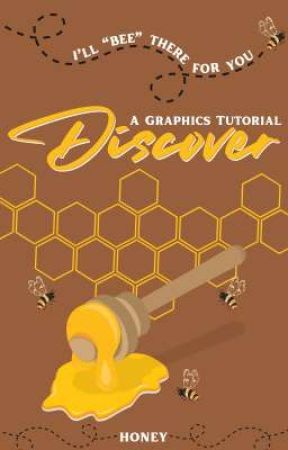
Want to design your covers?
Want to learn the art of graphics?
Want to start from the basics of cover making?
Honey is here for that.
"Discover" is a graphics tutorial book, which will consist of a lot more than you are thinking.
Check it out!
Step 4 : Tap on the "Text" option given below and search any font you want to use in the search bar. In this design, we need something cursive. I'm using the font— "Billion Miracles" here.
Oops! This image does not follow our content guidelines. To continue publishing, please remove it or upload a different image.
Step 5 : Now, add other details in the cover, such as the author's name, credits, subtitle, etc. to complete the cover.
Oops! This image does not follow our content guidelines. To continue publishing, please remove it or upload a different image.
Here, our first design is done!
◆◇◆◇◆◇◆◇
Now, I felt that this cover wasn't able to fill the cover fully because the author didn't want any subtitle on the cover. Therefore, I came up with this second design.
Second design for the cover :
Oops! This image does not follow our content guidelines. To continue publishing, please remove it or upload a different image.
Steps for this design :
Step 1 : I shifted the credits to the bottom of the cover and added another text on the cover. I wanted a kind of long (tall) font, so I can create a gap between it. I used font— "Six Caps" here.
Oops! This image does not follow our content guidelines. To continue publishing, please remove it or upload a different image.